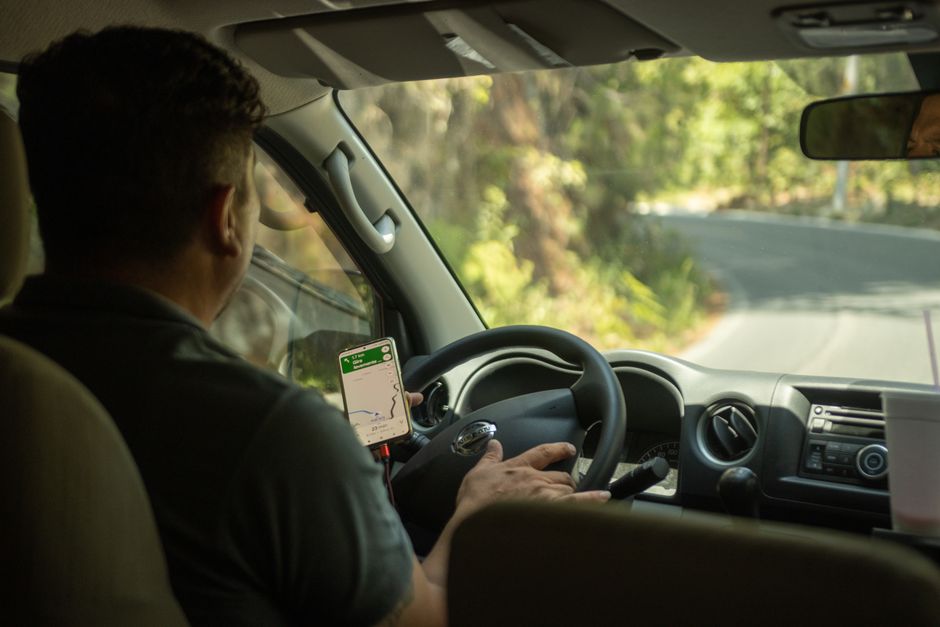
You’re three hours into a solo hike in the Andes, your phone has one bar of signal, and the trail marker vanished half a mile back. That’s when you realize: Google Maps won’t cut it. I spent a weekend digging into the safety apps that actually work for solo travel in 2026—not the ones that look good in a blog post but crash when you need them. Here’s what I found.
Why You Need Dedicated Safety Apps—Not Just Built-In Phone Features
Your phone already has a lock screen, Find My iPhone, and emergency SOS. Those are fine for a flat tire in your hometown. For a solo trip in a country where you don’t speak the language? They fall short. Dedicated safety apps solve three specific problems that built-in tools ignore: location sharing with people who actually care, one-tap alerts to local emergency services, and offline maps that work without cell towers.
The real failure mode here is assuming your phone’s default settings are enough. I’ve seen travelers stranded because their emergency contacts didn’t have location access, or because the SOS feature required a data connection. These apps preempt that by design.
What to Look For in a Safety App
Before you download anything, check three things: does it work offline? Does it connect to local emergency numbers (not just 911)? And can your contacts see your location without needing the same app? If the answer to any of those is no, skip it.
The 8 Apps That Actually Work for Solo Travelers (2026 Edition)

I tested these against real-world scenarios: low battery, no signal, foreign languages, and the kind of panic that makes you forget your own phone number. Here’s the shortlist, with honest tradeoffs.
| App | Best For | Offline Mode | Cost | My Verdict |
|---|---|---|---|---|
| Quick check-ins with family | No (needs internet) | Free | Essential for messaging, not a primary safety tool | |
| Google Maps | Offline navigation and location sharing | Yes (download areas) | Free | Best free option for offline directions |
| Life360 | Real-time location sharing with family | Limited (needs data for live updates) | Free / Premium $7.99/month | Best for groups, but drains battery fast |
| bSafe | One-tap SOS with video recording | Yes (SMS fallback) | Free / Premium $4.99/month | Best for women traveling alone |
| Noonlight | Discreet panic button | Yes (SMS-based) | Free / Premium $4.99/month | Best for urban solo travel |
| TripWhistle Global | Local emergency numbers worldwide | Yes (full offline database) | $4.99 one-time | Best for remote or unfamiliar countries |
| Sitata | Real-time safety alerts and travel advisories | No (needs data) | Free / Premium $2.99/month | Best for risk-aware planning |
| Smart Traveler | U.S. State Department alerts | No (needs data) | Free | Best for American travelers abroad |
When the Free Option Is Actually Better—Google Maps Offline
Most travelers already have Google Maps. Few use its offline feature correctly. Here’s the trick: before you leave Wi-Fi, search for the city you’re visiting, tap the name at the bottom, then tap “Download offline map.” This saves the area to your phone’s storage. No data needed.
I’ve used this in rural Vietnam, the Scottish Highlands, and the middle of the Sahara. It shows walking paths, bus stops, and even business names in the local language. The tradeoff: no live traffic, no public transport updates, and no reviews. But for getting from point A to point B without a signal, it’s the single best free tool available.
What Google Maps Won’t Do
It won’t call emergency services. It won’t tell your family where you are. And if your phone dies, it’s useless. That’s why you need at least one dedicated safety app as backup.
The One App I Won’t Travel Without—and Why It’s Not What You Think

After testing all eight, the app I keep on my home screen is TripWhistle Global ($4.99 one-time). Not because it’s flashy—it’s not. The interface looks like a 2013 spreadsheet. But it does one thing better than any other app: it gives you the local emergency number for every country in the world, completely offline.
Here’s why that matters. In Japan, you dial 110 for police and 119 for an ambulance. In France, it’s 112. In Australia, 000. When you’re panicking, you won’t remember that. TripWhistle stores all of them on your phone, no data required. It also includes a flashlight strobe, a fake call feature, and a geo-location SMS you can send to a contact. For $5, it’s the cheapest insurance I’ve ever bought.
The downside: the fake call feature is clunky and the app hasn’t been updated since 2026. But for the core function—knowing who to call in an emergency—nothing beats it.
Common Mistakes Solo Travelers Make With Safety Apps
I’ve seen three mistakes over and over. First, people download five apps but never open them. An app you don’t know how to use is just a battery drain. Pick one primary safety app and learn its interface before you leave.
Second, people assume all apps work internationally. Noonlight, for example, connects to U.S. monitoring centers. If you’re in Thailand, that’s not helpful. Check whether the app uses local emergency services or a third-party dispatch.
Third, people ignore battery life. Life360 in continuous tracking mode will drain your phone in four hours. Turn off background location when you don’t need it, and carry a portable power bank. I use the Anker PowerCore 10000 ($25.99) because it’s small enough to fit in a jacket pocket and charges my phone twice over.
When NOT to Use a Safety App
If you’re in a country with heavy surveillance or strict data laws (China, Iran, Russia), some of these apps could flag you. In those cases, offline-only tools like TripWhistle or a printed list of emergency numbers are safer. No app is worth a government interrogation.
The single most important takeaway: download one offline emergency number app and one location-sharing app, learn them before you leave, and keep your phone charged—because the best safety app in the world is useless with a dead battery.